Contract terms
Initial payment, instalment amount, term and progress towards ownership.
Terms, payments and contact with your manager in your KROK AUTO by VIVA portal. Open it on your phone whenever you need it.
Our advantage: you can check your own account, open shared documents and ask a question.
Initial payment, instalment amount, term and progress towards ownership.
Credited payment history, your next payment and amounts still to be paid.
Contract, schedule, insurance and files your manager has shared with you.
Ask about your contract or payment in the portal. Messages and replies remain in the conversation history.
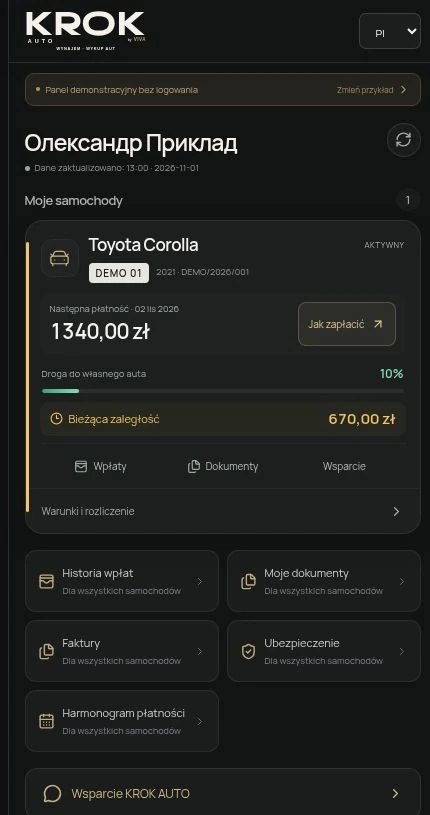
The screenshot shows the Polish demo. The name, car, amounts and documents are examples, not an offer or customer data.
Open interactive demoThe portal currently supports Ukrainian, Polish and Russian.